Docker Build: How an Image Becomes Runnable
Docker build explained for teams: Dockerfiles, layers, build context, cache behavior, tags, and reviewable release artifacts.
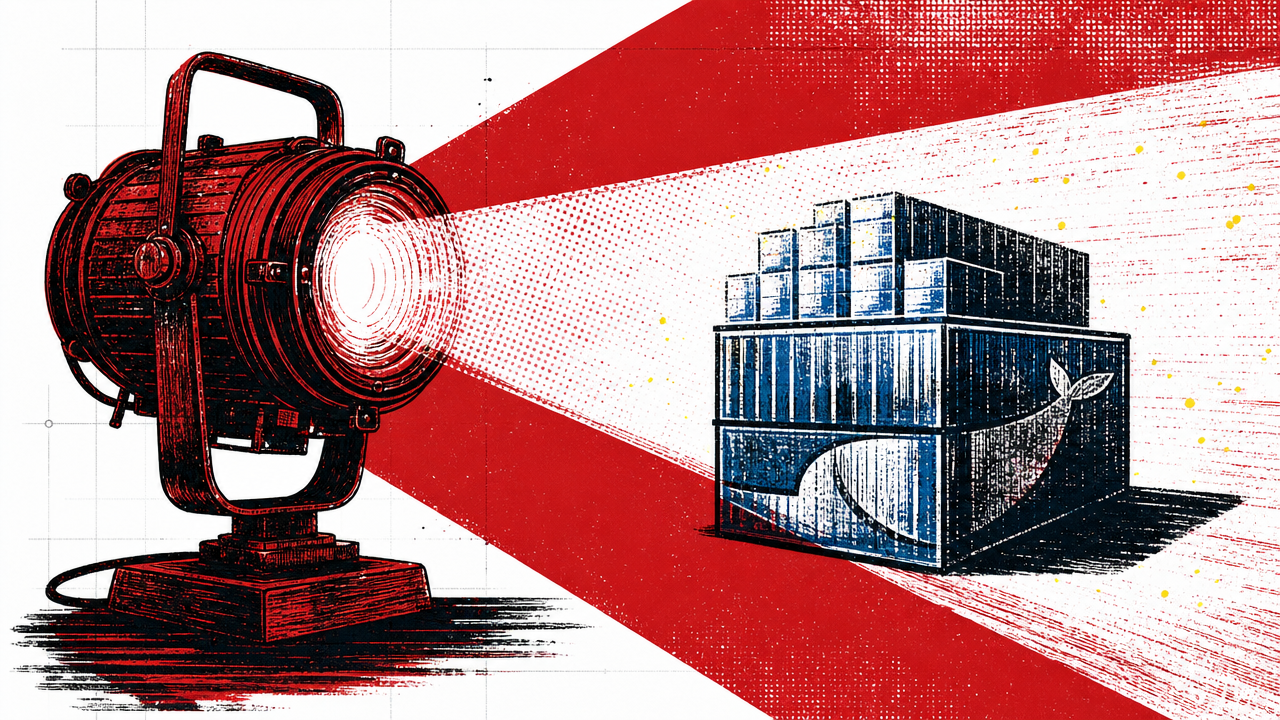
docker build turns a Dockerfile and build context into a container image. The command matters because it captures runtime assumptions as a reviewable artifact: base image, copied files, dependencies, environment defaults, exposed ports, and startup command. A good build is boring, repeatable, and inspectable.
What problem did this track keep circling?
Build talks used to focus on speed. Container builds added another question: what exactly are we packaging? The Dockerfile became a small contract between development and operations. Every line can make the image easier to reproduce or harder to trust.
The old conference version of the topic usually came dressed as a tool talk. A speaker would show the command, the dashboard, or the deployment diagram. The durable lesson sat underneath: teams need a shared model before a tool can help them. Without that model, the same technology becomes a different kind of confusion.
That is why docker build is worth treating as a field note instead of a glossary entry. The term is useful only when it changes how a team reviews code, prepares environments, responds to incidents, or explains operational ownership.
How should a working team define it?
A Docker build reads instructions, sends a build context, creates layers, and tags the resulting image. The image can then be pushed to a registry and run as a container. Cache behavior can speed builds, but it can also hide stale assumptions if the Dockerfile is careless.
Use this decision rule:
- Keep the build context small.
- Pin base images deliberately.
- Separate dependency installation from frequently changing app files when cache matters.
- Scan and review images as release artifacts.
The rule is deliberately plain because production systems punish vague ownership. If nobody can say what changes, who approves it, and how rollback works, the team has not adopted the practice yet. It has adopted the vocabulary.
What tradeoffs matter in practice?
A fast build is useful, but a clear build is safer. Tricks that save seconds while hiding dependencies or secrets are not wins. Build speed matters after the artifact is understandable.
The practical tradeoff is rarely “tool or no tool.” It is where the team wants friction. You can put friction at design time with review, automation, and repeatable commands, or you can accept surprise friction later during an outage, migration, or audit. Good engineering moves the friction to the earlier, cheaper place.
Field Notes. A conference archive is useful when it turns a tool name into a team behavior. Ask what the practice makes easier to review, repeat, and recover.
What should you try first?
Open one Dockerfile and annotate it as if a new teammate had to own it next week. Explain the base image, copied files, dependency install step, runtime command, and anything excluded by .dockerignore.
For adjacent reading, pair this with the AWS cloud field guide, the CI/CD pipeline overview, and our notes on DevOps lessons from conference tracks. The same pattern keeps showing up: a team that can explain the boundary can usually operate the tool.
What makes this worth revisiting?
The old conference lesson is that a topic becomes useful when a team can turn it into a repeatable decision. Write down the boundary, the owner, the review step, and the recovery path. That small record keeps the article from becoming tool trivia and gives the next developer a practical place to start. For every tool choice, note the failure mode you accept and the signal you will monitor. That is usually where production confidence comes from.
Related reading
Sources
- Dockerfile overview, Docker Docs. Official Docker documentation on Dockerfiles, image builds, and running containers.
- What is Docker?, Docker Docs. Official Docker overview of containers, images, clients, daemons, and registries.